




Data & Analytics
Dive into data manipulation, analysis, and visualization techniques using Python and popular libraries.
 James SmithInstructor
 Case study · Web platform
Unstructured courses and missing progress cues made it difficult for students to track their learning journey and plan for next steps.
The platform’s reliance on third-party tools such as Google Classroom created inconsistent interactions that affected learning momentum.
The experience wasn’t optimized for mobile, making navigation difficult for students who primarily accessed it on their phones
The lack of peer interaction and instructor guidance resulted in an isolated learning experience that reduced confidence and motivation.
Every Vitruvian project starts by understanding the people it serves. For Code to Inspire, we used 4 of our methods:
Audited the existing platform and conducted stakeholder interviews to identify learner and instructor pain points and understand their needs.
Researched leading e-learning platforms to understand best practices and opportunities for improvements.
Created wireframes to define the structure of courses, dashboards, and discussion spaces.
Developed interactive prototypes to test key user flows and ensure a seamless experience across the two user types.
Created a responsive design that supports seamless transitions between desktop and mobile, improving usability for students accessing the platform on smaller screens.
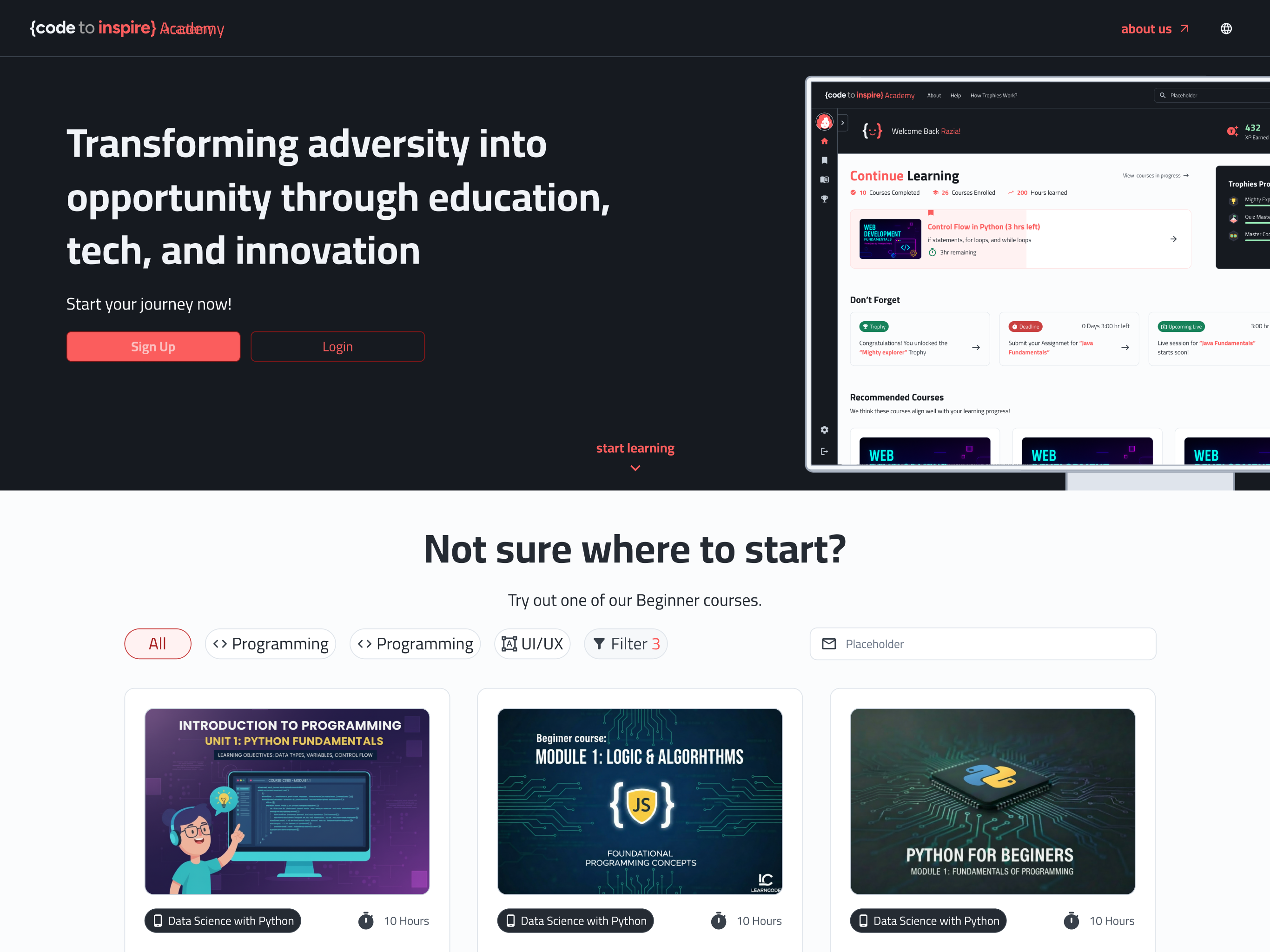
Structured each course into a clear syllabus with defined modules, lesson order, and milestones, helping students understand what they’re learning and what comes next.
Designed a student dashboard that shows progress indicators, upcoming lessons, achievements, and recommended next steps. Presenting all key information in one place helps students keep track easily.
Replaced reliance on third-party tools by integrating all core features into a single system, creating a more consistent and seamless experience across the platform.
Introduced a gamified system where students unlock trophies tied to learning milestones. Students are positioned as players and ranked based on performance, with added interactions such as animated clapping to encourage one another
Introduced a discussion space for students and instructors to communicate, fostering peer collaboration and instructor guidance.
Added support for dark and light modes along with language toggles with full RTL optimization for Farsi and Pashto.
 Dr.Yousef




 Live Sessions
 Google Meet
 Nov 12
 Starts in 00:55 Minutes
 Grading


 Introduction to Java
 Unpublished courses
 Published
 Certificates


 Python
 Public
 26hr
26hr


 Active
 Removed
 Graduated
 Back
Back


 Under Review